
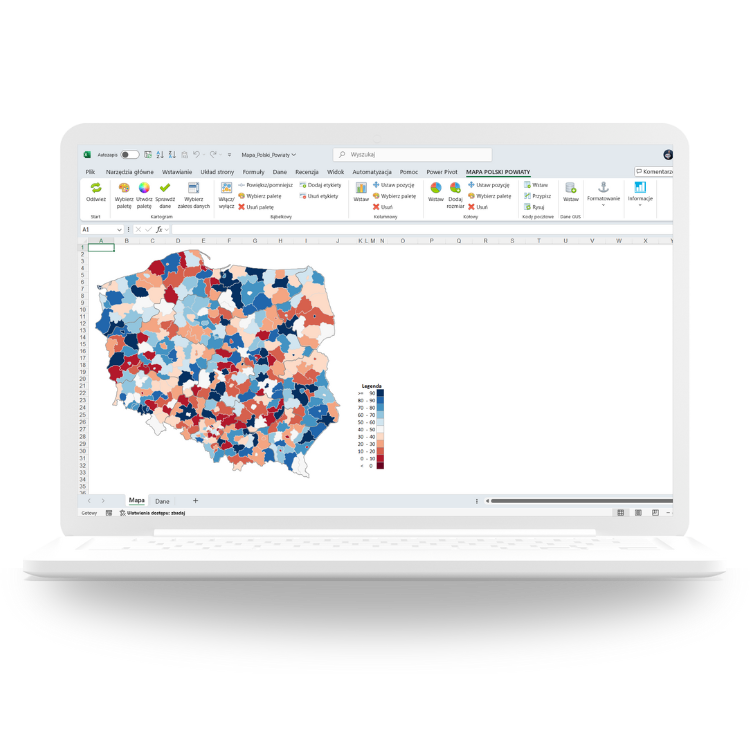
Ready-made map files that color regions with your numbers, place bubbles on territories, build custom sales areas and report by postcodes — everything happens inside Excel. No installation, no coding.
Trusted by teams at














Every map is a single Excel file (.xlsm) with a ready-made interactive dashboard — you paste your data and the map draws itself.
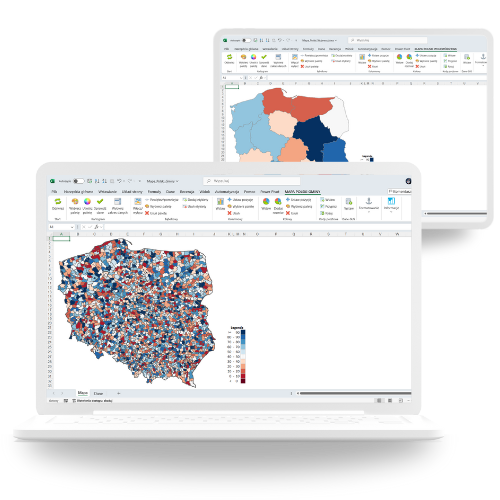
Color regions by any value — sales, market share, plan completion or KPI status — with a dynamic legend and your own color scale.
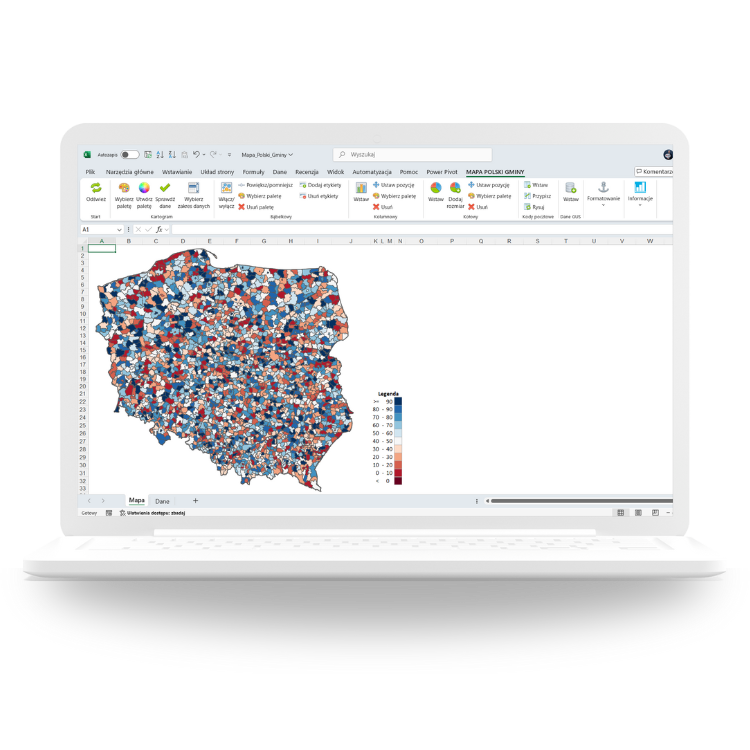
Place proportional bubbles over any territory to show volumes, hot spots and gaps at a glance. Perfect for management reviews.
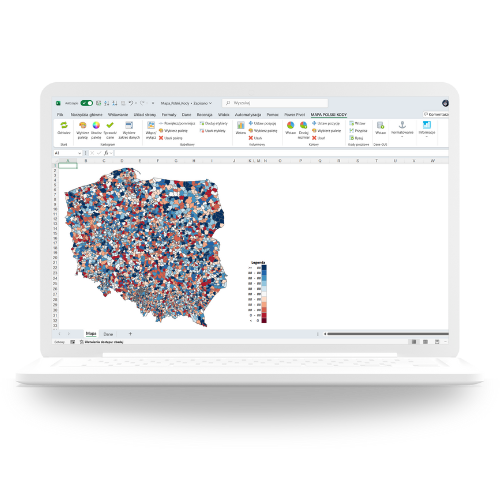
Build your own sales territories from smaller units or report by postal codes — the map aggregates your data automatically.
Over 100 well-known companies have been using our map files for more than 10 years. Here is what you get with every license.
Used daily by 3M, Deutsche Bahn, Aviva, Bosch, Coca-Cola, Siemens, Sony, UBS, Volkswagen and many more.
Order anytime — after payment the file lands in your inbox within 24 hours, together with an invoice.
Pay once, use forever. No subscriptions, no hidden fees, unlimited reporting for a single one-time payment.
Video guides, documentation and a real person answering your emails — the author supports every license.
If you can paste data into a spreadsheet, you can run the map. Basic Excel skills are all it takes.
One .xlsm file with built-in macros. Copy it to any Windows PC with desktop Excel and start working.
Filled maps, bubble layers, heat scales, top rankings and KPI tiles — several views in one dashboard.
Your own regions, colors, KPI thresholds, names and layout — tailor every element to your company standard.
Filter by territory, drill down from country to region, compare periods and print board-ready one-pagers.
The price depends on the map type and the number of users. Every license is a one-time payment — no subscription.
One analyst working on one computer
one-time payment
A small reporting team sharing one license pack
one-time payment
Unlimited users across your organization
one-time payment
Pick a map and license size via the contact form or email. We will confirm the scope and answer your questions.
You get a pro-forma invoice within 24 hours — for your accounting, in your currency and with your company data.
Within 24 hours of payment the .xlsm map file arrives in your inbox, ready to work with your data.
Not sure about your environment? Ask us or try the free demo version first.
The full-featured demo version lets you test the map with sample data — exactly the same file you will get after purchase, just with a limited dataset.
Get the free demoPractical, in-house workshops (onsite or online) for analysts, controllers and managers — run by the author of Maps for Excel.
Design dashboards and maps people actually read: layouts, color, chart selection and data storytelling — with your own company data.
Build a complete reporting system in Excel: data model, Power Query, pivot tables and a management dashboard in one workbook.
From raw data to an interactive Power BI report: modeling, basic DAX, visuals and sharing — the fast track for reporting teams.
Also available: Excel automation with VBA, geoanalysis with Maps in Excel and custom workshops built around your reporting stack. Trusted by 500+ companies and 100,000+ course participants.

Excel developer, BI consultant and trainer. Since 2010 I have been helping companies report by territory: my map files are used by more than 100 companies across Europe and beyond, and my trainings have been attended by analysts from over 500 organizations.
When I'm not building maps, I teach reporting and dashboard design — and chase the wind on a windsurf board.
Write a few words about your data and territory — I will reply with a quote and a demo within one business day.
Fill in the form — it will open a pre-filled email in your mail client.